

Directions, densities and holes
Directions, densities and holes
Section titled “Directions, densities and holes”The three directions
Section titled “The three directions”Which edge the parts pack against, in the drawing’s coordinate system — the on-screen arrow shows the way:
- left edge (X = 0): everything packs left, the offcut stays right — the classic bar layout;
- bottom edge (Y = 0): everything packs down, the offcut stays on top;
- balanced: both edges share the offcut — useful when the remnant is reusable on both sides.
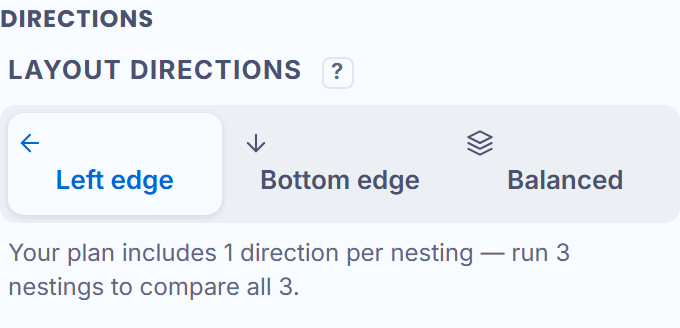
Fewer directions checked, faster result. On the free plan, one direction and one proposal; with a paid plan, one proposal per direction — each direction tries its edge, ranked by direction then by quality.
The two densities
Section titled “The two densities”Two numbers look alike and do NOT say the same thing:
- the strip density, while computing: the density of the row being built — it moves during the search, it is a work indicator;
- the material density, on the result: the TRUE area of the placed parts (holes deducted) over the sheet. That is the one that counts for your material.
Parts inside holes
Section titled “Parts inside holes”Check “Nest parts inside holes” and small parts settle in the cutouts of large ones — each part in a hole keeps the promised spacing to the wall. Beyond 2.4 mm of spacing the option disables itself: an engine limit, said on screen.