

The live view
The live view
Section titled “The live view”As soon as you start the computing, the sheet comes alive: parts settle, pack tighter, try other arrangements — before your eyes. What you see is the engine’s real work, not a waiting animation.
A single status line at the top of the sheet, as the capture shows it: “Searching · 2 s · best 2.3% · 1 search(es) in parallel · auto-stops at stagnation” — elapsed time, best result so far, the searches running in parallel, and the hole-filling announced for the final result. A Cancel button appears: the best result already found is kept, and you move on to the result whenever you want.
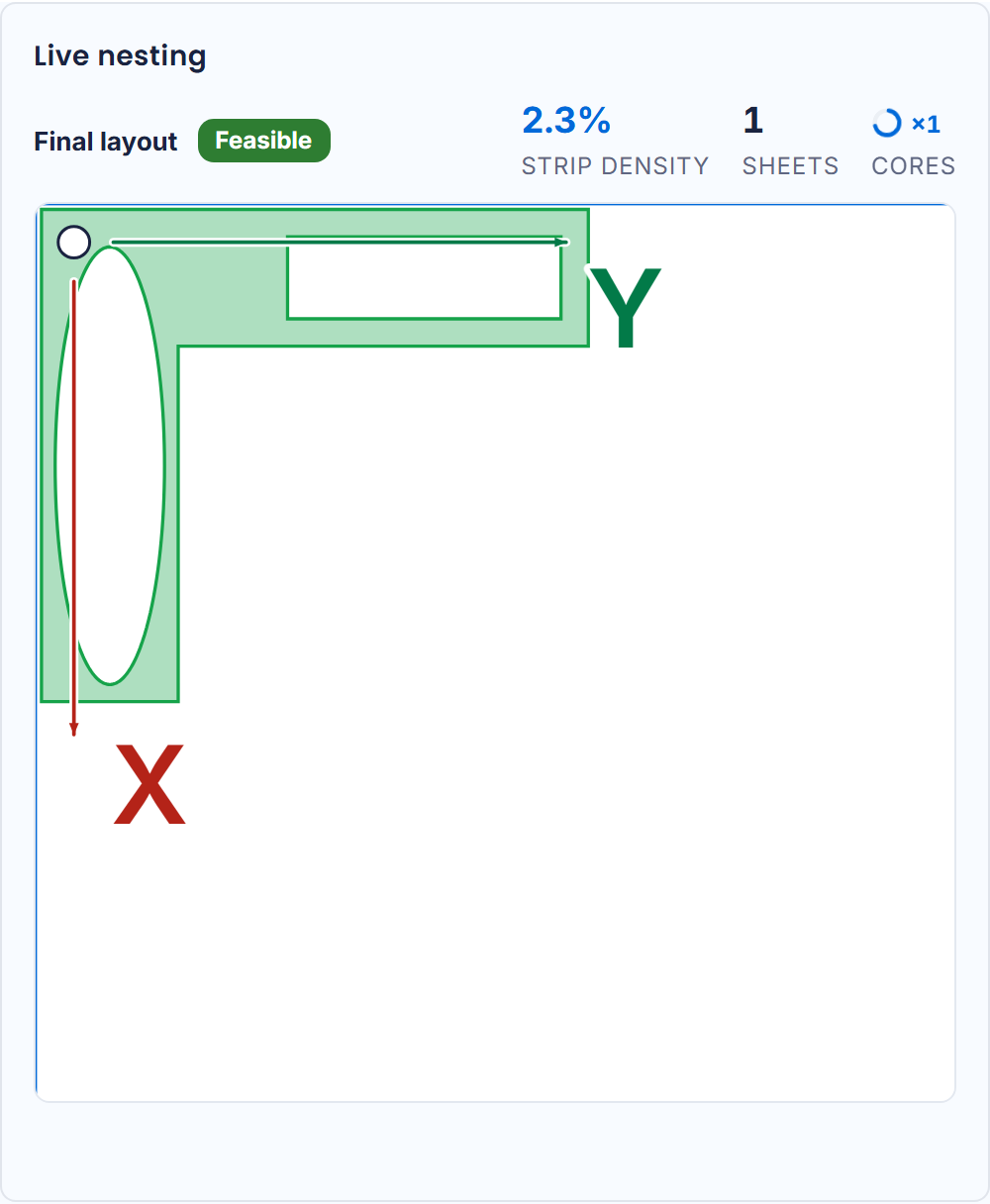
While computing, the line speaks of strip density — the density of the row being built, not of the final sheet. The two do not read on the same scale: see Directions, densities and holes.