

Novità
Una voce per versione messa in produzione, in linguaggio d’officina. La versione corrente compare nell’intestazione dell’applicazione; il numero completo nel piede di pagina.
Le versioni precedenti a V0.9.4 sono in inglese.
- NestorCut ora parla spagnolo: interfaccia, sito e documentazione completamente tradotti. La lingua del tuo browser viene riconosciuta dalla prima visita, e il menu delle lingue offre Español accanto a English, Français, Português, Deutsch e Italiano. Al passaggio, le date seguono la lingua dell’app ovunque — un utente portoghese, italiano o tedesco leggeva date in inglese.
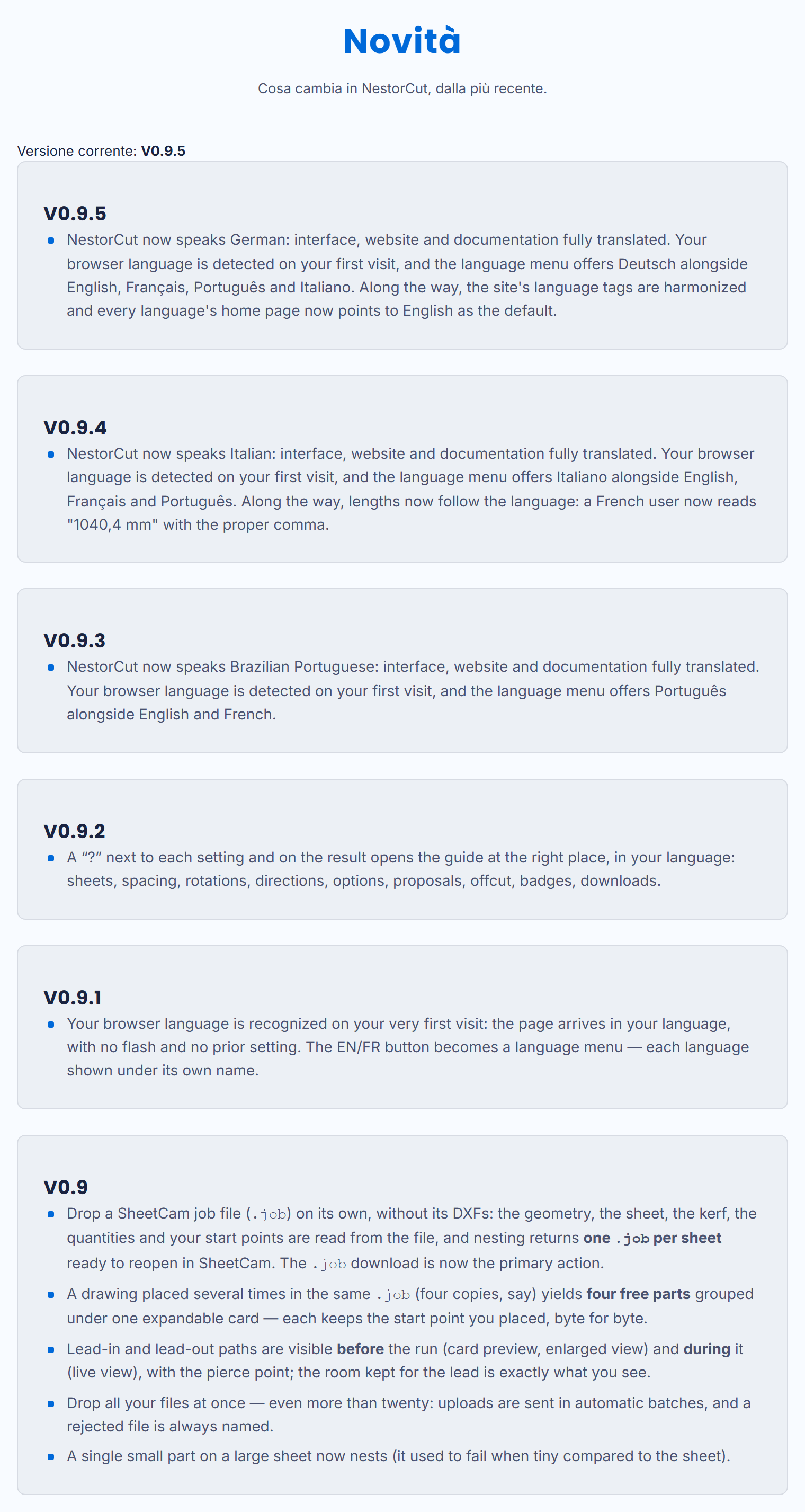
- NestorCut ora parla tedesco: interfaccia, sito e documentazione completamente tradotti. La lingua del tuo browser viene riconosciuta dalla prima visita, e il menu delle lingue offre Deutsch accanto a English, Français, Português e Italiano. Al passaggio, i tag lingua del sito sono stati armonizzati e la home di ogni lingua indica l’inglese come riferimento.
- NestorCut ora parla italiano: interfaccia, sito e documentazione completamente tradotti. La lingua del tuo browser viene riconosciuta dalla prima visita, e il menu delle lingue offre Italiano accanto a English, Français e Português. Al passaggio, le lunghezze seguono la lingua: un utente francese ora legge « 1040,4 mm » con la sua virgola.
- NestorCut now speaks Brazilian Portuguese: interface, website and documentation fully translated. Your browser language is detected on your first visit, and the language menu offers Português alongside English and French.
- A “?” next to each setting and on the result opens the guide at the right place, in your language: sheets, spacing, rotations, directions, options, proposals, offcut, badges, downloads.
- Your browser language is recognized on your very first visit: the page arrives in your language, with no flash and no prior setting. The EN/FR button becomes a language menu — each language shown under its own name.
- Drop a SheetCam job file (
.job) on its own, without its DXFs: the geometry, the sheet, the kerf, the quantities and your start points are read from the file, and nesting returns one.jobper sheet ready to reopen in SheetCam. The.jobdownload is now the primary action. - A drawing placed several times in the same
.job(four copies, say) yields four free parts grouped under one expandable card — each keeps the start point you placed, byte for byte. - Lead-in and lead-out paths are visible before the run (card preview, enlarged view) and during it (live view), with the pierce point; the room kept for the lead is exactly what you see.
- Drop all your files at once — even more than twenty: uploads are sent in automatic batches, and a rejected file is always named.
- A single small part on a large sheet now nests (it used to fail when tiny compared to the sheet).